
Lessons
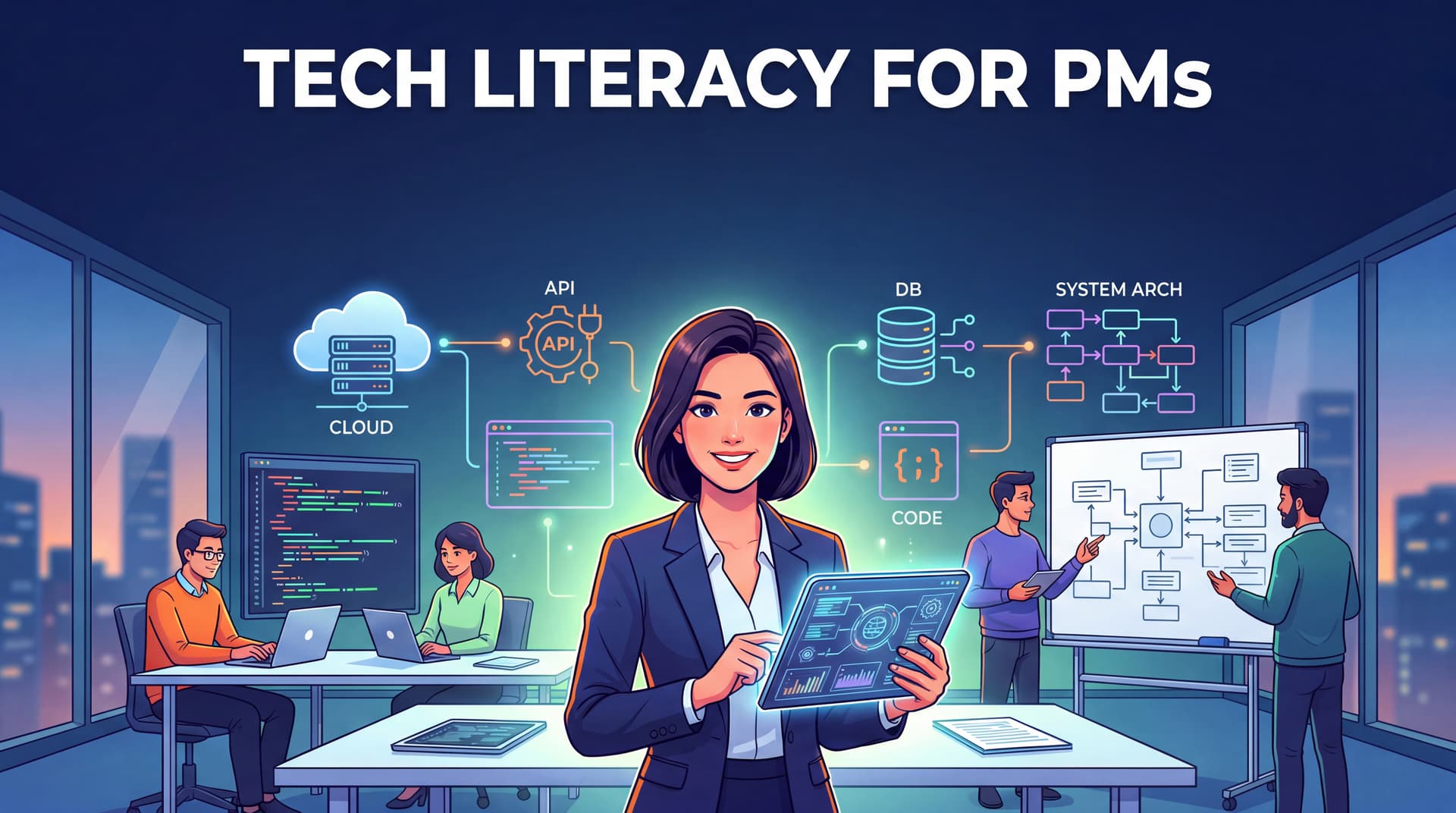
Session 01: Web Fundamentals — From URL to Browser
Web-DevelopmentHTTPHTMLCSSJavaScriptAPIUnderstand how the web works from the ground up: Client-Server, HTTP, the three frontend layers, APIs, and HTTP status codes — all through a PM lens.
Session 02: Database Basics — SQL, NoSQL, and Schema
DatabaseSQLNoSQLSchemaMigrationUnderstand how databases actually work, why a schema migration can eat an entire sprint, and just enough querying for a PM to read a technical report.
Session 03: APIs in Depth — REST, Auth, and Rate Limiting
APIRESTAuthenticationRate-LimitingPostmanRead API docs, understand how auth works, and use Postman to test APIs — without writing a single line of code.
Session 04: System Architecture — Monolith, Microservices, and Queues
System-DesignMicroservicesMessage-QueueCachingArchitectureUnderstand how architecture decisions shape delivery speed, and ask the right questions when an architect proposes changing the system.
Session 05: Cloud & Deployment — Docker, CI/CD, and Release Planning
CloudDockerCI/CDDeploymentDevOpsUnderstand the pipeline from code to production, why staging exists, and how to plan releases without getting blocked by DevOps.
Session 06: Security for PMs — Auth, OWASP, and Data Privacy
SecurityAuthenticationOWASPGDPRPrivacyUnderstand the common security vulnerabilities PMs accidentally introduce when writing specs, and how to write security requirements the right way.
Session 07: Performance & Scaling — Bottlenecks, CDN, and Web Vitals
PerformanceWeb-VitalsCDNCachingScalingRead a Lighthouse report, pin down the real bottleneck, and write performance requirements you can actually measure.
Session 08: Working with Eng — Estimation, Technical Debt, and Incident Response
Product-ManagementEstimationTechnical-DebtIncident-ResponseEngineeringUnderstand why estimates are always wrong, how to frame technical debt as product risk, and the PM role in incident response.
Session 09: AI for PMs — Understand AI to Make Better Product Decisions
Product-ManagementArtificial-IntelligenceLLMPrompt-EngineeringAI-ProductUnderstand how LLMs work, when to use AI, build vs buy, and the risks PMs need to know when integrating AI into a product.
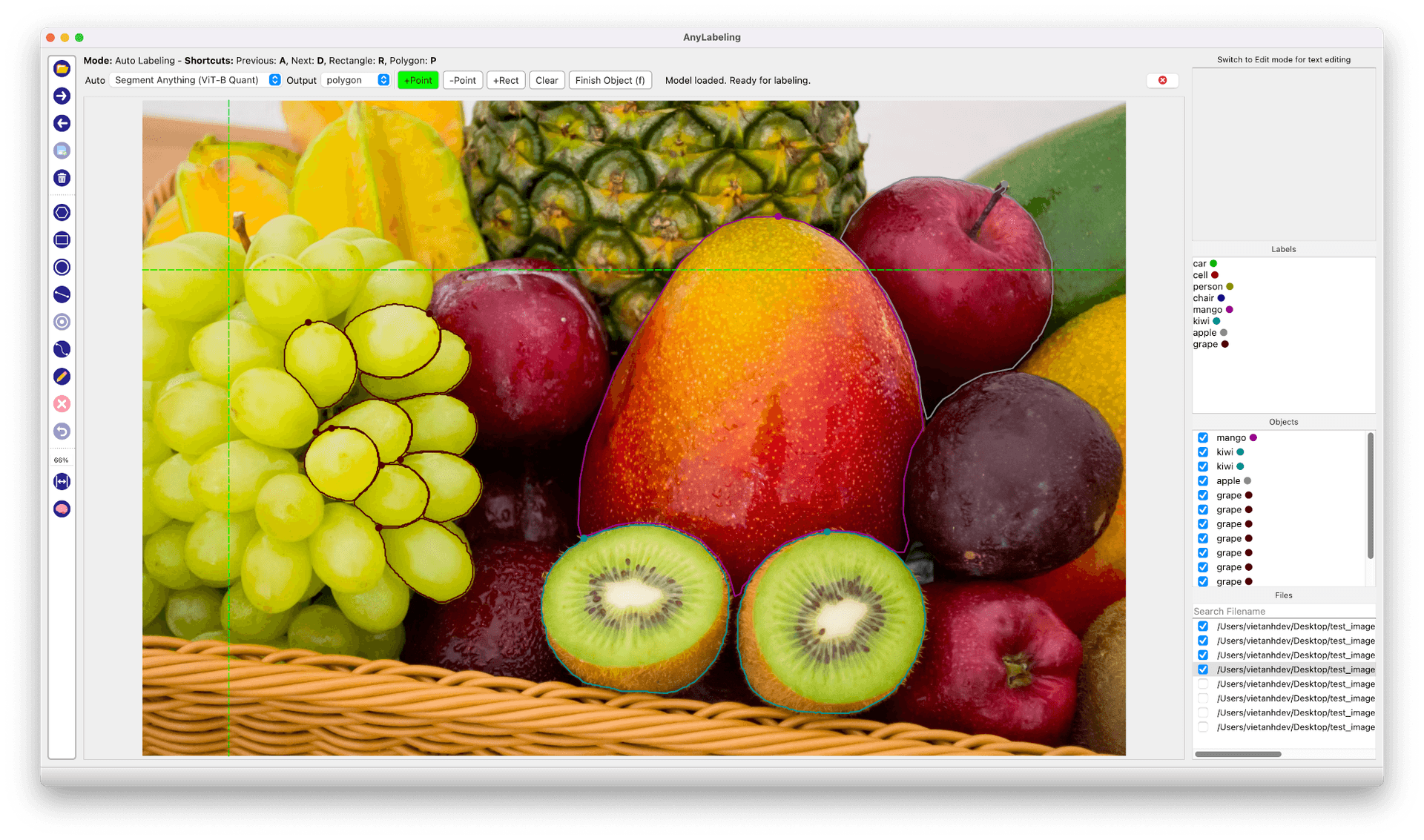
Lesson 01: Why Annotation Matters
AnyLabeling-CourseUnderstand why data annotation is the highest-leverage activity in applied ML, how the tool landscape has evolved, and where AnyLabeling fits.
Lesson 02: Installation & First Labels
AnyLabeling-CourseInstall AnyLabeling via pip, binary, or GPU-accelerated package, tour the interface, and annotate your first image in under five minutes.
Lesson 03: Manual Annotation Deep Dive
AnyLabeling-CourseMaster every annotation type in AnyLabeling — rectangles, polygons, circles, lines, points, and rotated bounding boxes — with the techniques that make manual labeling fast and precise.
Lesson 04: SAM Auto-Labeling
AnyLabeling-CourseUse Segment Anything models (SAM, SAM 2, SAM 2.1, SAM 3, MobileSAM) for one-click segmentation — point prompts, rectangle prompts, text prompts, and the workflow that makes it fast.
Lesson 05: YOLO Auto-Labeling
AnyLabeling-CourseUse YOLOv5 and YOLOv8 models to auto-generate bounding boxes and segmentation masks, then review and correct the results for production-quality datasets.
Lesson 06: Text, OCR & Key Information Extraction
AnyLabeling-CourseAnnotate text in images — detection regions, transcription, and structured Key Information Extraction (KIE) for documents, receipts, and scene text.
Lesson 07: Export Formats & Pipelines
AnyLabeling-CourseExport annotations to COCO, YOLO, Pascal VOC, and CreateML formats — understand when to use each one and build conversion scripts for your training pipeline.
Lesson 08: Custom Models for Auto-Labeling
AnyLabeling-CourseLoad your own ONNX models into AnyLabeling — convert from PyTorch or Ultralytics, write the config.yaml, and use domain-specific models as auto-labeling backends.
Lesson 09: Writing Annotation Guidelines
AnyLabeling-CourseWrite annotation guidelines that eliminate ambiguity, handle edge cases, and produce consistent labels across annotators — the most underrated skill in applied ML.